Bottom Line Software Screen Shots

   Home    Demo    Prices    Info    Services    Reports    Q & A    Screen Shots    Updates    Contact Us

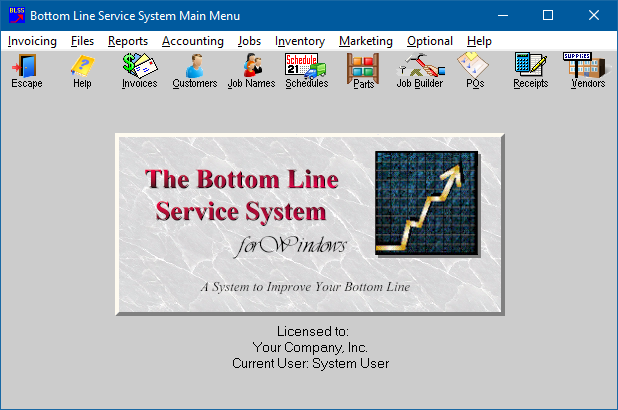
Main Menu allows access to all programs, user's manual, system on-line help and free updates.

Bottom Line Main Menu


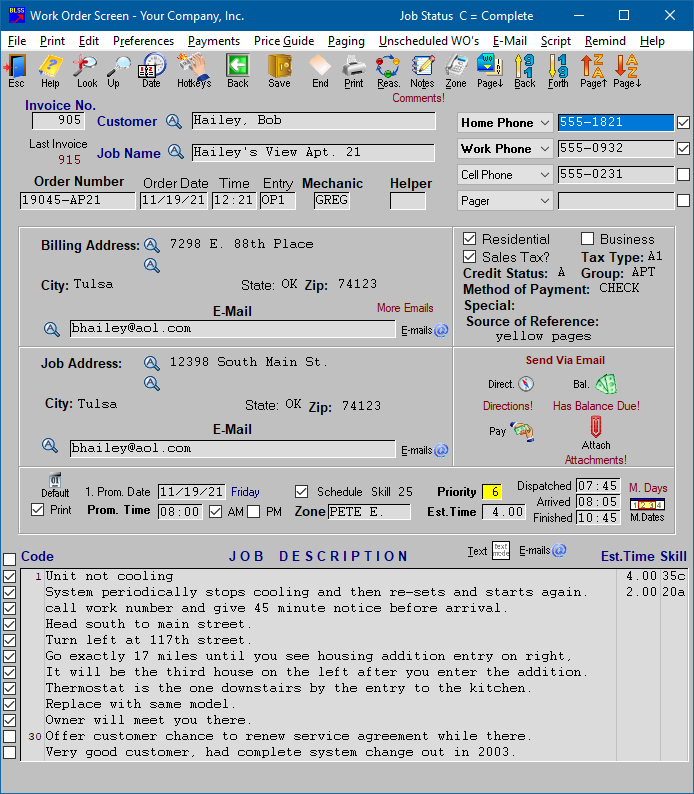
Work Order Screen used to record initial information about the service call.

  Work Order Screen


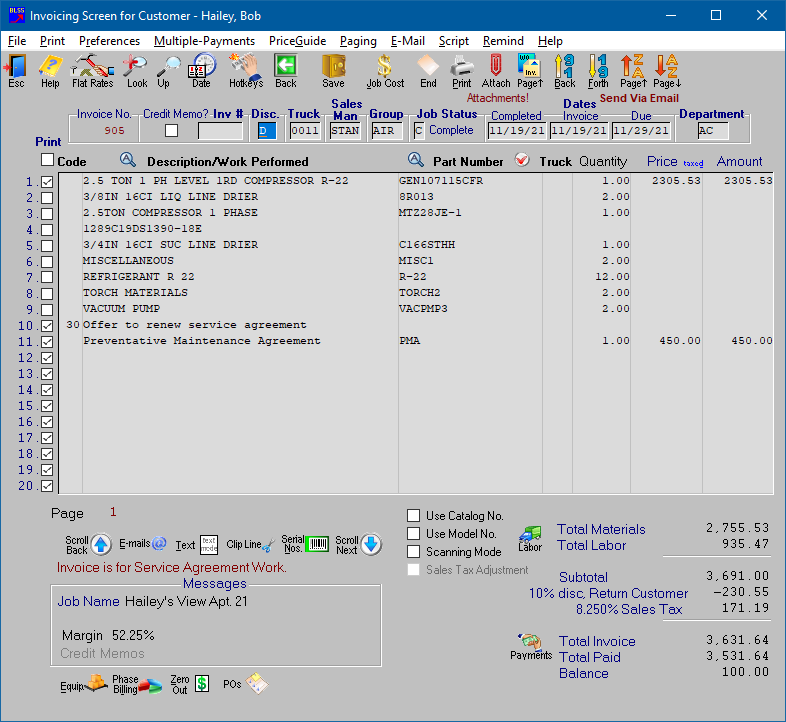
Invoice Screen used to bill out service once the job is completed.

Invoice Screen


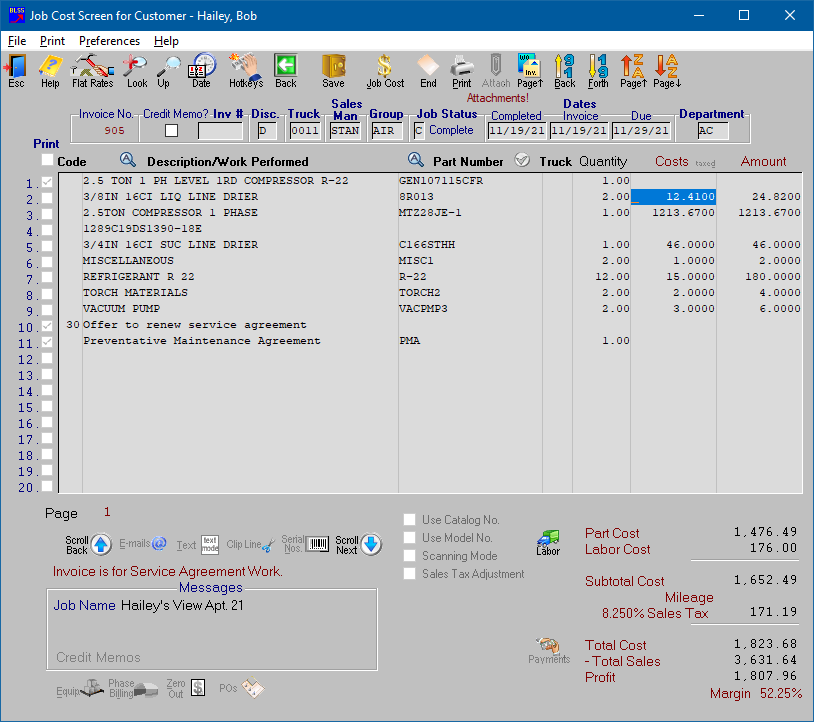
Invoice Job Cost Screen automatically captures profit and cost information.

Invoice Job Cost


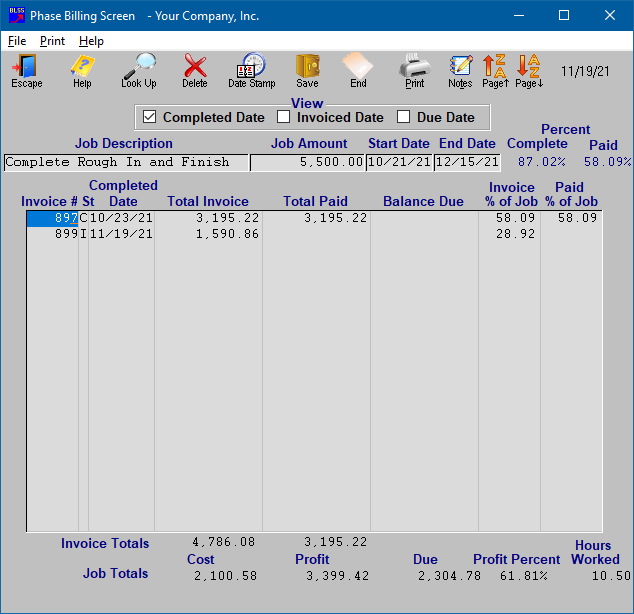
Phase Billing Screen allows you to bid out a large job, then bill out the activity as it occurs by creating individual invoices and associating them back to one bid job.

 

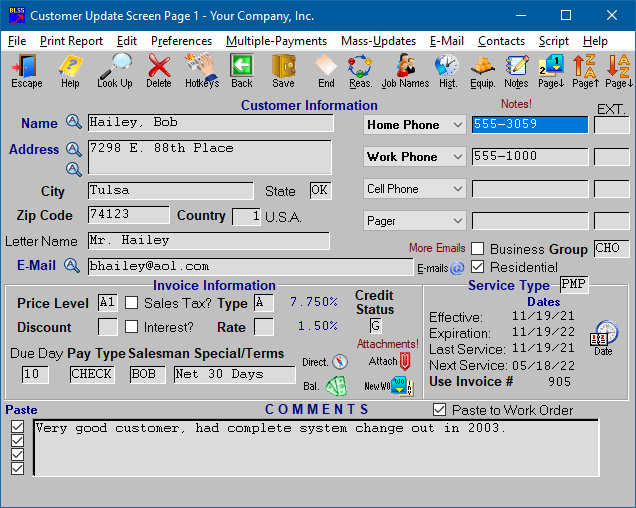
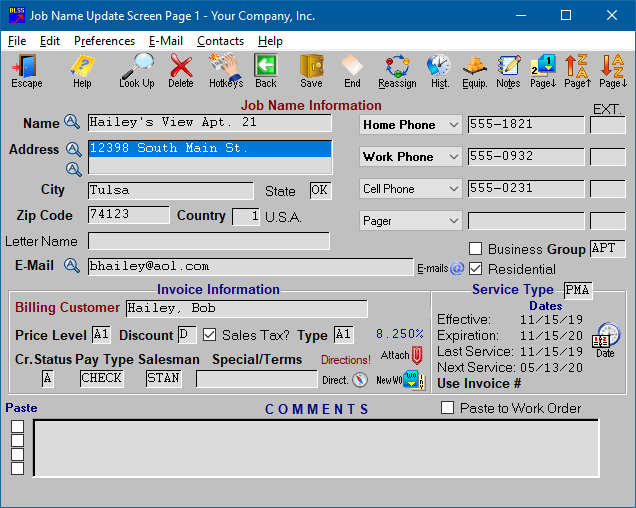
Customer Screen (1 of 4) used to track current customers.

Customer Screen 1 of 4


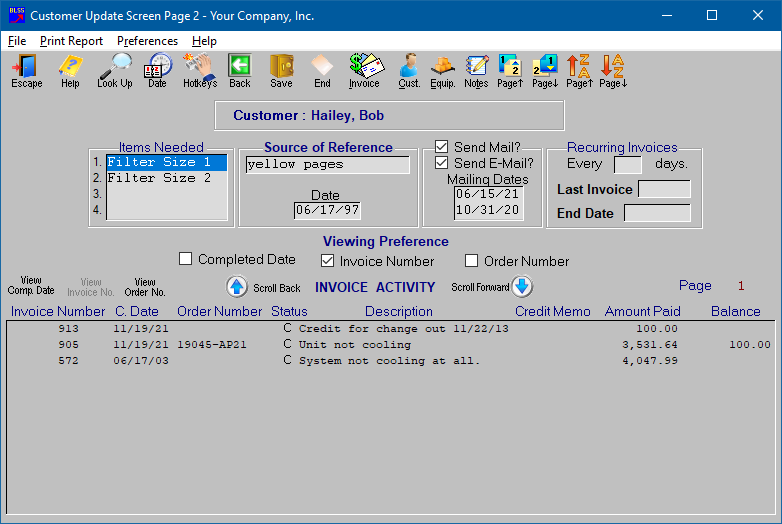
Customer Screen (2 of 4) used to track customer history and mailing activity.

Customer Screen 2 of 4


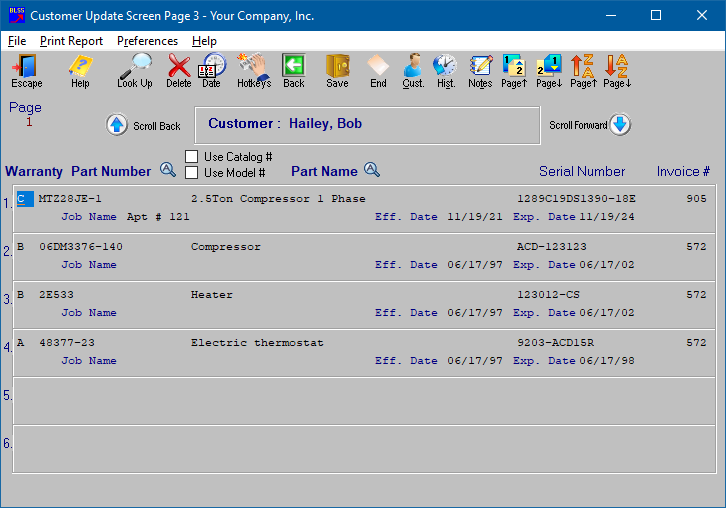
Customer Equipment Screen (3 of 4) used to track customer equipment.

Customer Equipment Screen 3 of 4


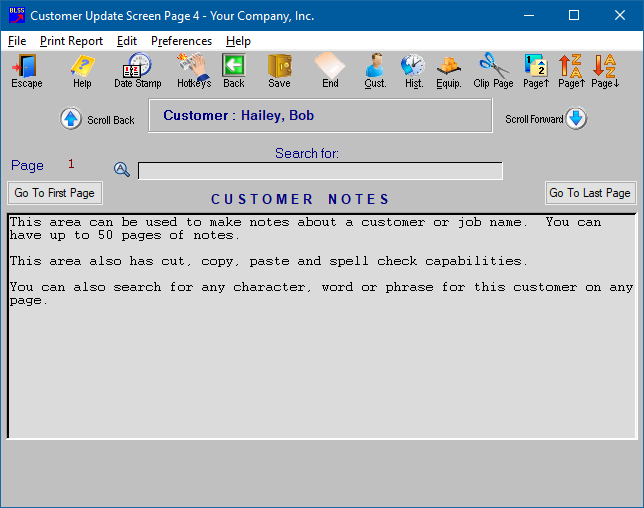
Customer Notes Screen (4 of 4) used to track customer notes.

Customer Notes Screen 4 of 4


The Customer History Report provides a complete history of any customer or job name’s individual activity. It can be printed in dispatch schedule order by truck to be given to your servicemen as informational backup when going on the service call. As with all Bottom Line Service System Reports you can review the contents of the report before choosing to print the output to your printer. You can also export the contents of any report to a text file for importing into third party software.

Customer History Report


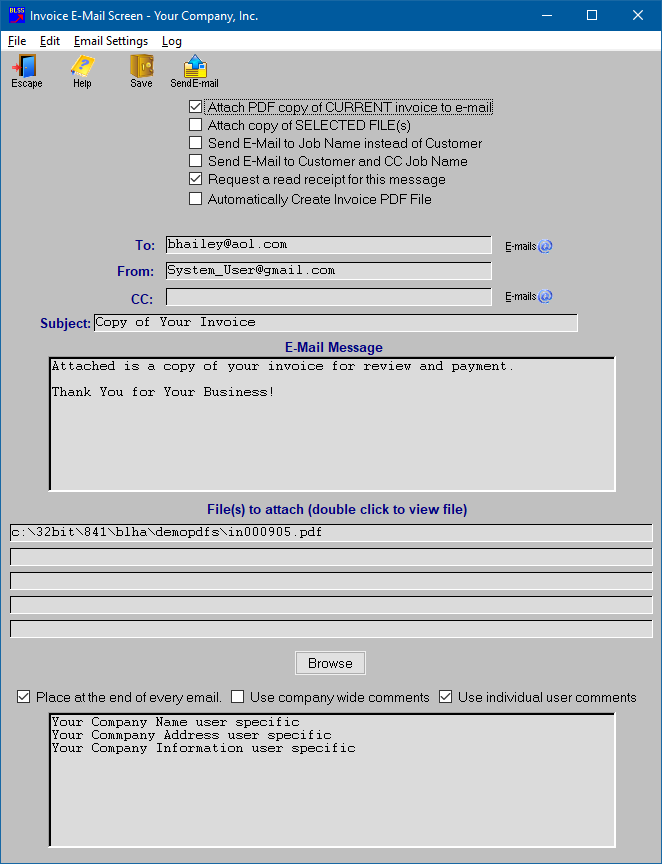
E-mail Screen used to send e-mails and documents directly out of Bottom Line.

Bottom Line E-Mail Screen


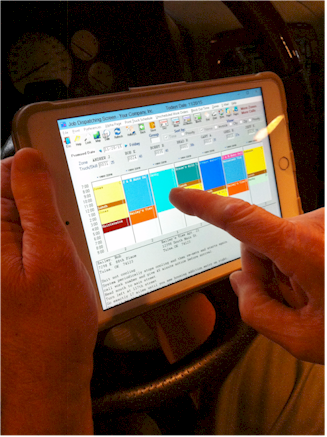
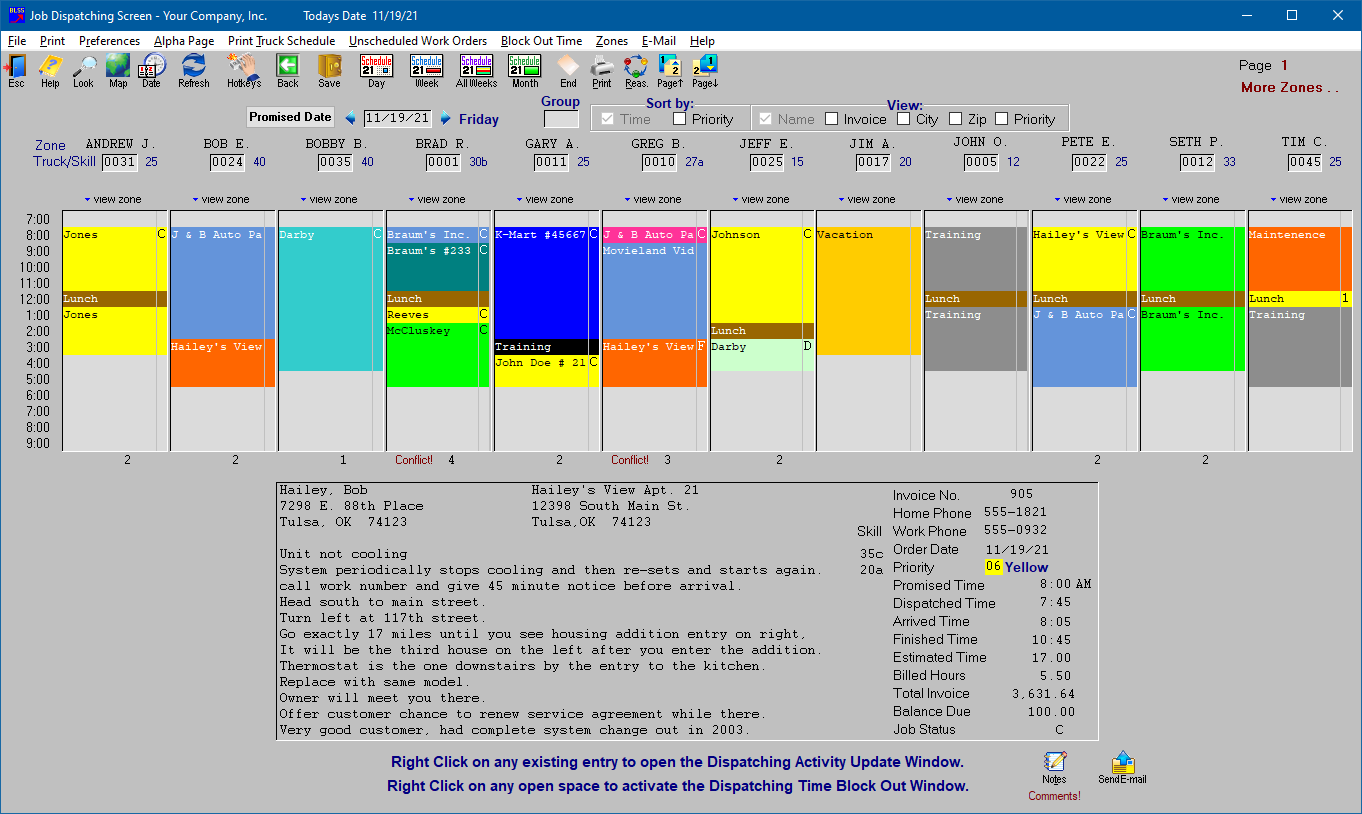
Dispatch Screen used to track service calls.

Dispatch Screen


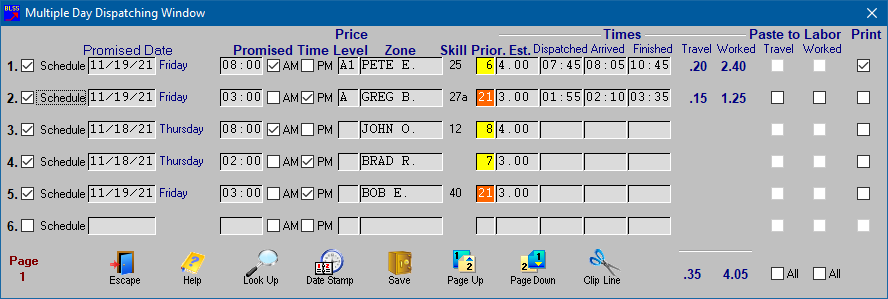
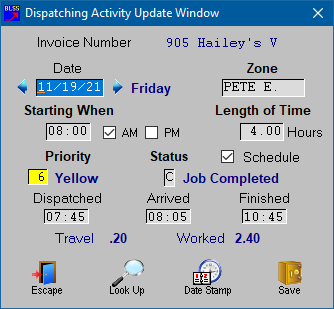
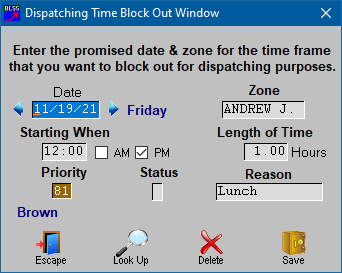
Right click on any item on the dispatch board to make changes.

Change Invoice or Work Order Block out dispatch time


Internet Mapping Using the Map Icon above on the Dispatch Screen.

Internet Mapping


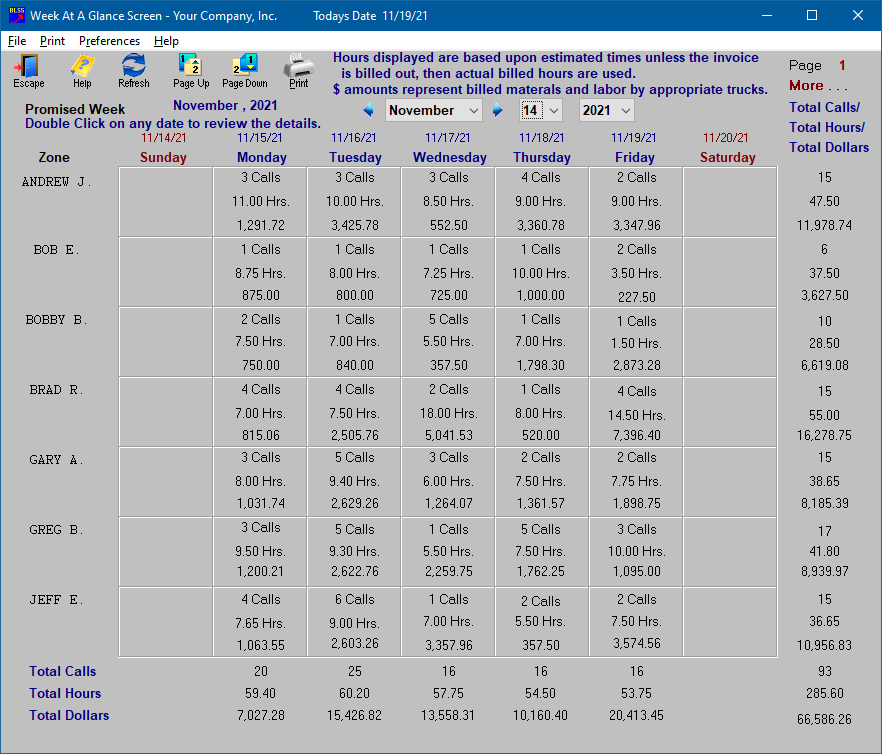
Dispatched Items viewed a week at a time.

Week at a Glance


E-mail Screen used to send e-mails to your techs directly with scheduled Work Orders or reminders to your customers for planned work activity from the dispatch screen.

E-Mail Dispatch Screen


The E-mail Log Screen allows you to review e-mails you have sent to your customers.  You can also choose to change or add to the original information sent to say something like "Second Notice" or "Thank You For Your Payment" and re-send the e-mail by pressing the Send E-mail icon below.

 E-mail Log Screen


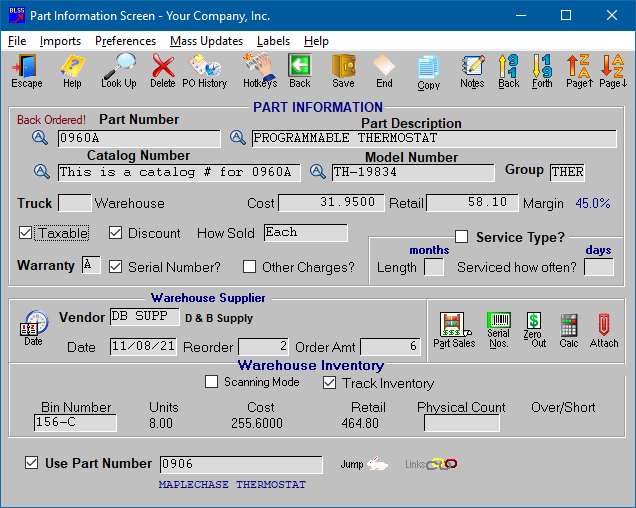
Part Information Screen used to track inventory and non-inventory items.

Parts Information Screen


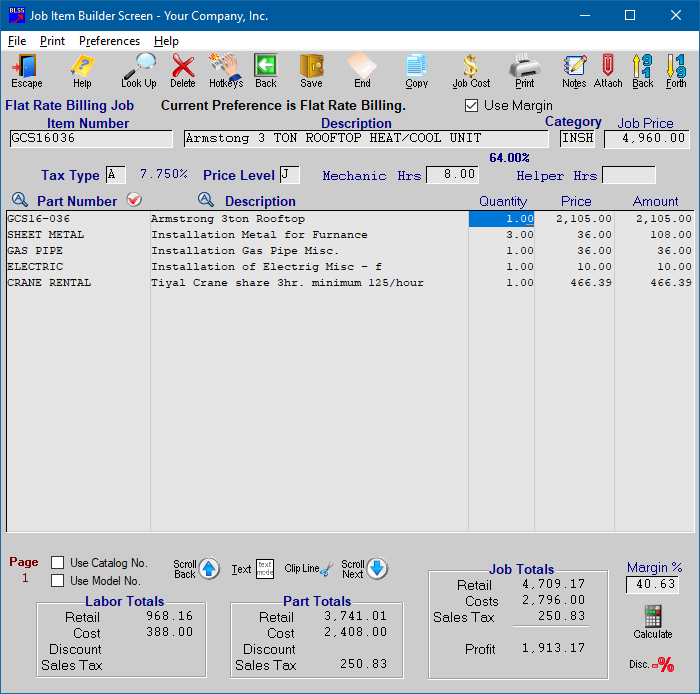
Job Builder Screen used to build your own Flat Rate Billing and/or Time and Material jobs.  Can also be used to review and edit Flat Rate items imported from other companies.

Job Builder Screen


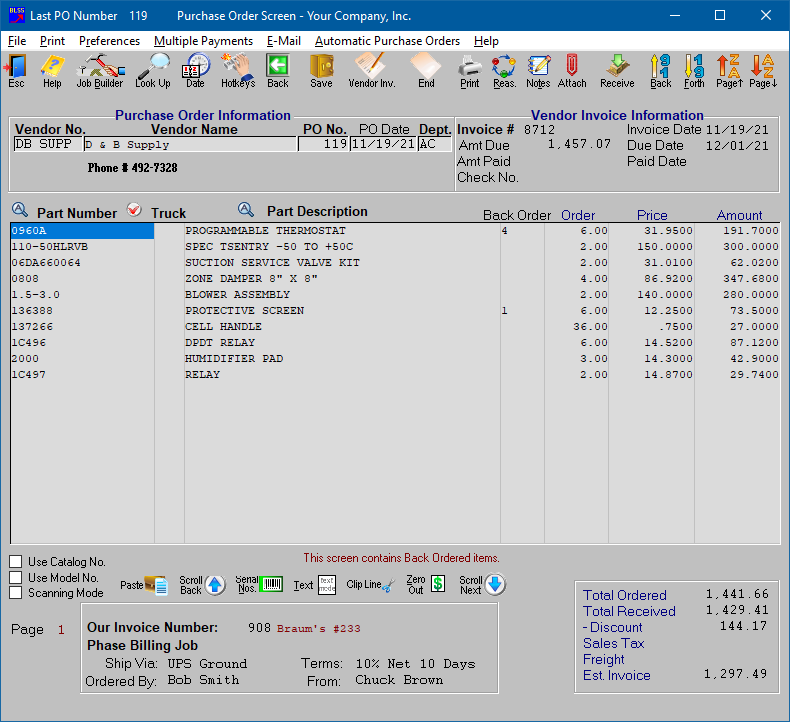
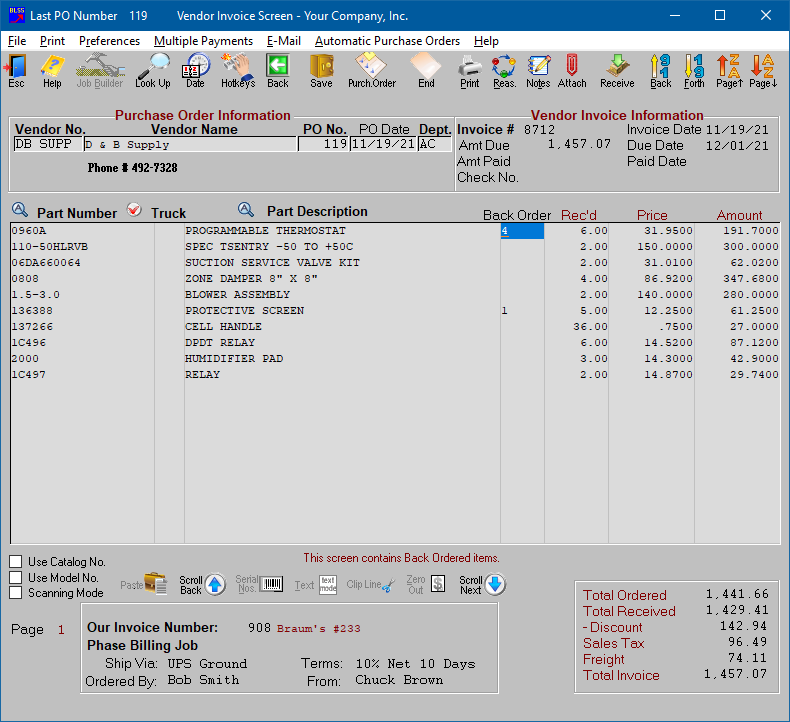
Vendor Invoice & Purchase Order Screen used to track orders and replenish inventories.

Vendor Invoice and Purchase Order Screen


Home